skateboard.com.au
← All threads

Miscellaneous Pictures

7778 posts · page 9 of 312

A
alex.
25 Apr 2004 · 25 Apr 2004 10:30 AM
what camera was that taken with elder?
E
elder
25 Apr 2004 · 25 Apr 2004 11:10 AM
Canon EOS 300D
U
Unicron
25 Apr 2004 · 25 Apr 2004 1:06 PM
RE: Miscellaneous Pictures probably the best photo ive taken, i just got a new camera so many more photos to come
E
elder
26 Apr 2004 · 26 Apr 2004 3:48 AM
im guessing u had half your finger on the flash?
*
**TOM**
26 Apr 2004 · 26 Apr 2004 4:25 AM
i have a CANON EOS 3000N
U
Unicron
26 Apr 2004 · 26 Apr 2004 5:19 AM
yer, but it wasnt an accident, i like the way it looks when you do that.....your the only one who has known that so far
*
**TOM**
26 Apr 2004 · 26 Apr 2004 5:30 AM
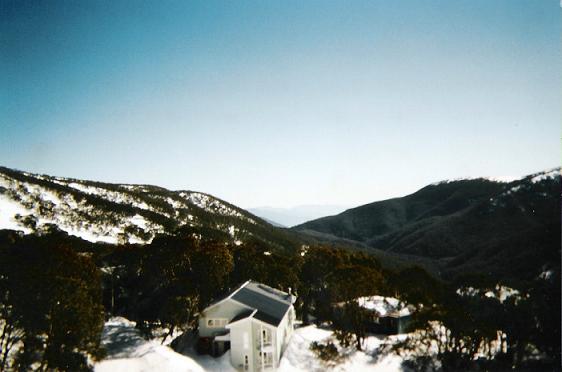
RE: Miscellaneous Pictures taken from a chairlift at fallscreek , looking back towards mt beauty
E
elder
26 Apr 2004 · 26 Apr 2004 8:39 AM
RE: Miscellaneous Pictures yeah,
i use the "thumb over flash" method too sometimes too
i think i discovered it just experimenting...
yeah, thats right...
here is one of my first ones...
(first day i learnt this method)
I
issue_1
26 Apr 2004 · 26 Apr 2004 9:19 AM
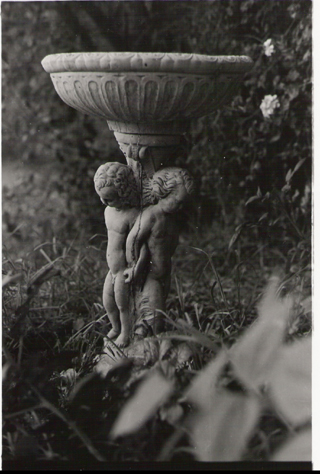
RE: Miscellaneous Pictures just a little something i developed in school today. i took the photo, its of a bird bath in my back yard.
I
issue_1
26 Apr 2004 · 26 Apr 2004 9:29 AM
I didn't go all the way thorugh this thread, but some of the photos I got to see were pretty good. I liked stefan's rodeo one and a few of delaz's shots.
.
.Alex
30 Apr 2004 · 30 Apr 2004 10:55 AM
RE: Miscellaneous Pictures .
.
.Alex
30 Apr 2004 · 30 Apr 2004 10:58 AM
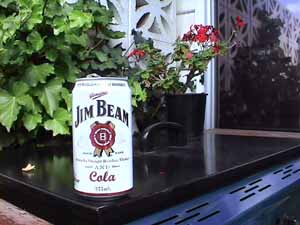
hey does anyone know how to in photoshop make an image grayscale, except for parts of it......fo example with the above photo i need to make it grayscale, except for the can and if possible the red bits of the plant.
E
elder
30 Apr 2004 · 30 Apr 2004 11:37 AM
Yo

In photoshop... if you make an image grayscale... it DOES make it black and white, but you also change the image properties
(the file is no longer RGB... but now uses Grayscale colour format)
There is an option called "desaturate" which allows you to achieve the same black and white.

To make a part of an image black and white... the way i found is best... is to :

Select an area with the lasso tool... the approximate desired area in which you want to be black and white.
( YOU DONT HAVE TO BE EXTREMELY ACCURATE AS A STEP FURTHER ON TELLS YOU WHY)

Once you have done this, Go up to the menu "IMAGE" then "ADJUSTMENTS" then "DESATURATE"
this will make the selected area black and white....

once you are happy with the MAIN area... to make the tight spots black and white, you will use the "SPONGE" tool which is located in the tool bar
(same spot as "BURN" and "DODGE")
at the top near the menu's... set the "FLOW" at 100%.

NOW you can detail the black and white...
get into the tight spots and "desaturate" them.
it may not give you a complete desaturation straight away, but if you go over the spots a few times, they will eventually be the same as the previously selected area...

I hope that helped ya... / OR MADE SENSE.

E
elder
30 Apr 2004 · 30 Apr 2004 11:59 AM
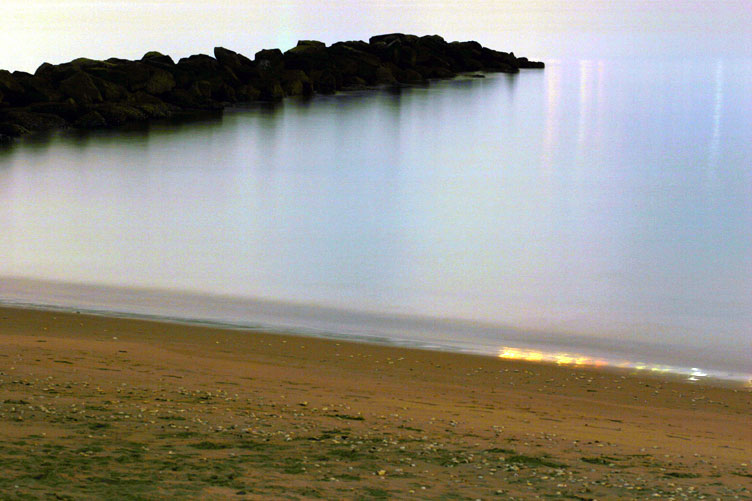
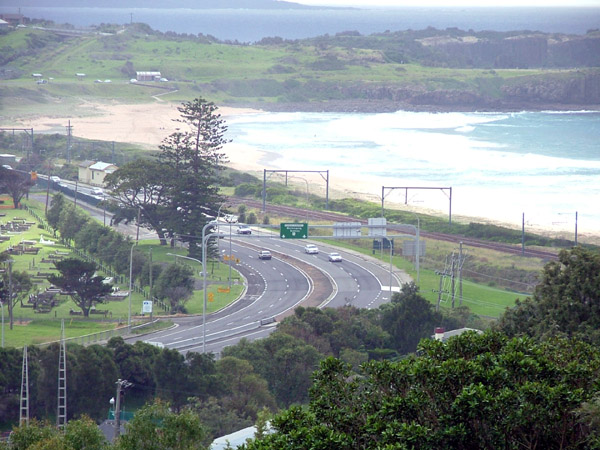
RE: Miscellaneous Pictures a nice day at the beach.... oh shit, wait a sec...
that wasn't taken at day time ;)
E
elder
30 Apr 2004 · 30 Apr 2004 12:05 PM
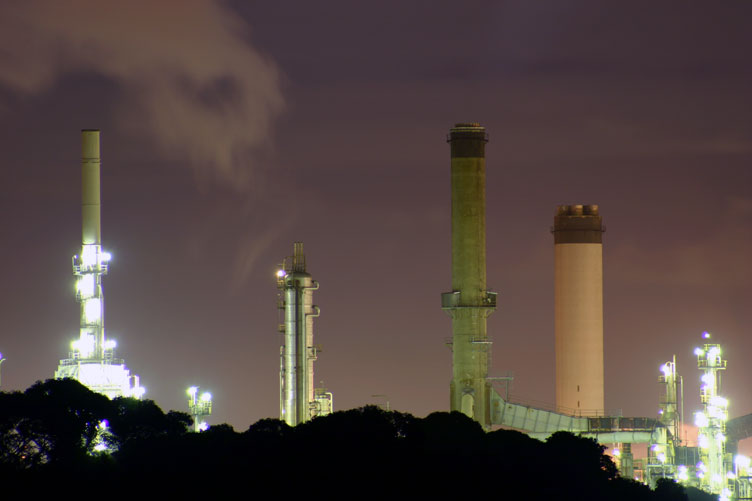
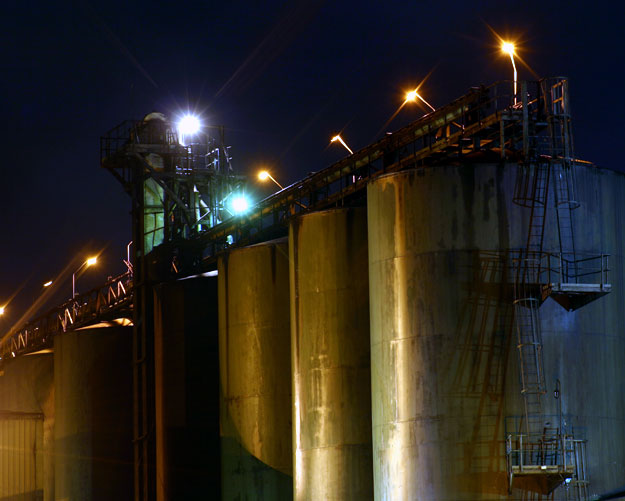
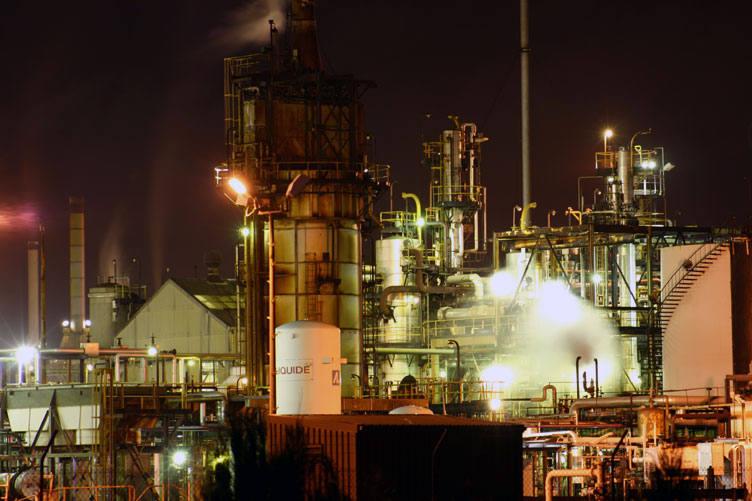
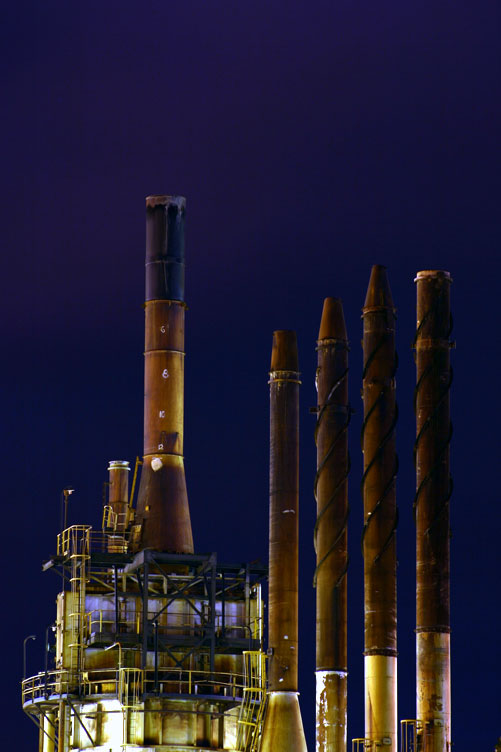
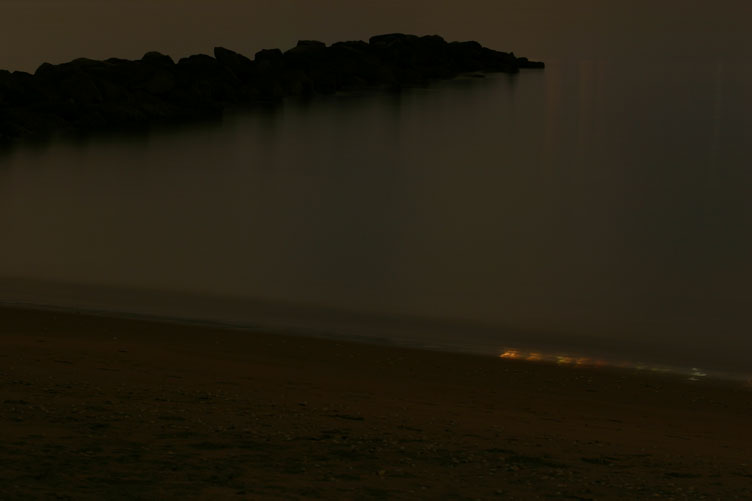
RE: Miscellaneous Pictures That last photo ... and the ones to come were taken the other night when I decided to take some photos at a factory area "NEAR" my area.
The beach was was actually at night time... if you look at the first beach photo, you will see wierd coloured lights where the wave is breaking + further up the top of the image...
All i did was wack it into photoshop and go "Auto Levels", "Auto Contrast", "Auto Colour"....
I didn't want to do "TOO" much colour adjusting... so I allowed photoshop to do it for me :)

I will also post a few photos of the factories....
each of them have gone through the "AUTO PHOTOSHOP" option....
the originals weren't that far off either... the originals just had a pretty heavy yellow tint due to the smoke / cloud + mass of yellow lights in the area.
I hope that wasnt too long...
thanks for reaading it heh.

Below is the ORIGINAL beach picture...
E
elder
30 Apr 2004 · 30 Apr 2004 12:09 PM
RE: Miscellaneous Pictures This photo was taken at full zoom (300mm) which actually equates to 480mm when locked onto my EOS300D... (magnification of 1.6x)...
i think what you see was about... 300-400m away.
E
elder
30 Apr 2004 · 30 Apr 2004 12:10 PM
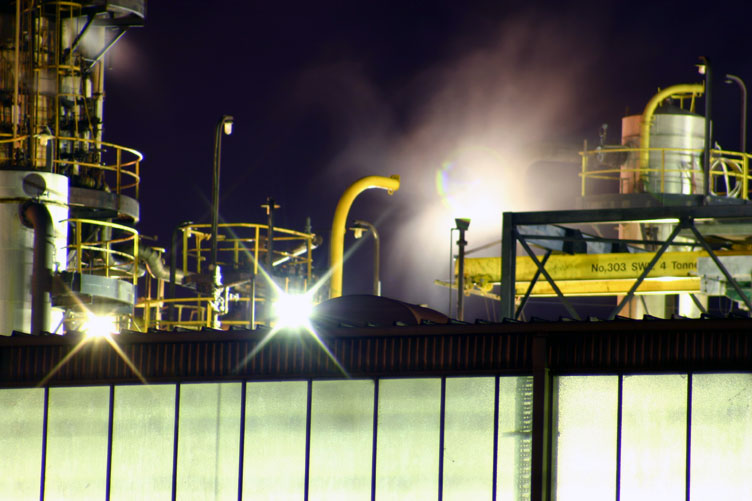
RE: Miscellaneous Pictures a bit out of focus (i was tired it was very dark and it was on Manual focus... haha i know, no excuse...)
yeah, some cool shit again.
E
elder
30 Apr 2004 · 30 Apr 2004 12:13 PM
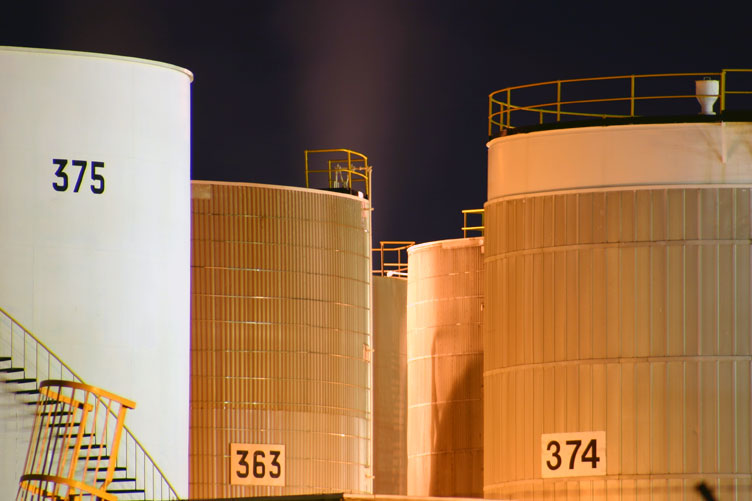
RE: Miscellaneous Pictures some round buildings with numbers.. haha soo cool.
E
elder
30 Apr 2004 · 30 Apr 2004 12:16 PM
RE: Miscellaneous Pictures this is probably one of my favourites of the crew.
more cool shit.
E
elder
30 Apr 2004 · 30 Apr 2004 12:17 PM
RE: Miscellaneous Pictures daim this shit's tech!
E
elder
30 Apr 2004 · 30 Apr 2004 12:21 PM
RE: Miscellaneous Pictures last one...
nyeah...
factories n shit r cool
be on the look out for some more over the next few weeks...

POST YOUR PICS PEOPLE!!!!

it gets boring looking at your own photos all the time.
G
getrad
30 Apr 2004 · 30 Apr 2004 12:23 PM
Fucking wild! Looks like some gnarly computer grafics game.
Frank S.
30 Apr 2004 · 30 Apr 2004 12:26 PM
RE: Miscellaneous Pictures The view from the back of Kingy's joint!
E
elder
30 Apr 2004 · 30 Apr 2004 12:27 PM
nice
Kingy's joint?
Frank S.
30 Apr 2004 · 30 Apr 2004 12:30 PM
RE: Miscellaneous Pictures a mates house...
this looks rad
Login to reply Back to threads